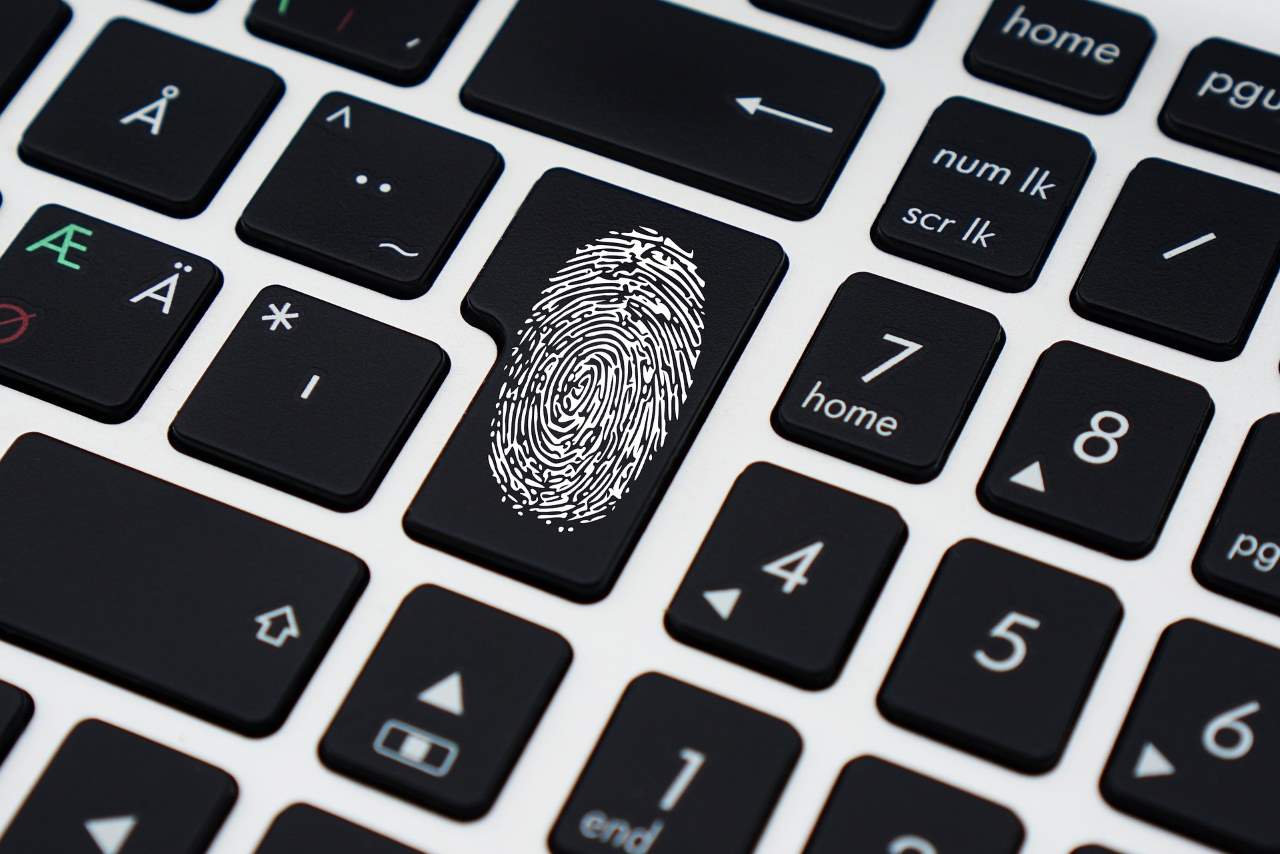
Today, we enjoy the alluring convenience of being able to log into our preferred social media platform and spend our days catching up with friends. But what if your adventures take you across the globe?
For those who have ventured into digital nomadism, it’s no surprise that they want to remain connected 24/7. Therefore, it’s essential to keep oneself safe online – which is why I’ve compiled this helpful guide on internet safety for those who are always on the move!
Introduction
 I recently came into contact with someone who was hesitant about moving to a foreign country because they were not confident of their knowledge regarding what could occur. While the notion of encountering unfamiliar situations may seem daunting for some, those who embark on this path should be aware of potential internet-related dangers and take appropriate precautions before departure.
The majority of expatriates find that their comfort zone is shifted drastically during their stay abroad, as it becomes increasingly difficult to rely upon local connections and resources if one cannot communicate fluently in their new locale.
In essence, digital nomads have an innate advantage over others – they can utilize technology without ever having to venture outside their hotel room! This invaluable asset allows them flexibility while maintaining security regardless of where they may roam.
1. You are not immune to cybercrime
From identity theft to aggressive email scamming, it’s not uncommon for seasoned digital nomads to fall victim to cybercrime.
Lucky for you, there are a few things you can do to stay safe on the interwebs! Here are a few essential tips that have helped me avoid becoming a statistic yet again:
• Keep an eye out for unfamiliar websites – If you’re not familiar with any URL, look it up in a browser or app. If what you see doesn’t appear quite right then probably best to proceed with caution; some sites may be spoofed and could potentially lead to unpleasant experiences.
• Take precautions when clicking links – Like I already mentioned, always research links before utilizing them! Verify where they lead by reviewing the page address and verifying if it is legitimate. Only click through links that are confirmed as authentic and free of malicious content; otherwise you run into potential problems. To ensure proper security measures are taken during your daily operations, make sure you employ some basic web security solutions such like two-step authentication and de-anonymization tools!
• Be wary of links appearing on social media platforms – Just because something is announced on Facebook or Twitter does not mean that it is genuine. Double check any links or notifications posted online before proceeding.
2. Don’t underestimate the power of social engineering
Cyber criminals are crafty, and they have devised a variety of methods for achieving their aims. Perhaps the most effective form of attack is social engineering – leveraging on your familiarity with someone to gain access to otherwise inaccessible resources.
Leveraging connections with relationship-based networks such as LinkedIn or Facebook can be an effective way of gaining entry into restricted areas (i.e. work environments).
3. It pays to have a “right-to-privacy” mindset
While it may be tempting to share information about your whereabouts, activities and routines with friends or colleagues during your travels, do not forget that these details can also be accessible to anyone who peruses the internet!
It is essential to be mindful of where your digital footprints lead. Failure to do so could result in potential exposure of private data – something no digital nomad should take lightly!
4. It’s best to be proactive and know what you are looking at
Are you familiar with terms such as DNS hijacking, ransomware and even DDoS attacks? If not, it can be quite overwhelming!
With the above-mentioned threats lurking around in cyberspace, it’s imperative for digital nomads to become personally acquainted with their security protocols and tools. Here are some of my favorites:
Enable Incognito Mode for web browsers: This handy feature allows users to browse websites in private; meaning that information you input will remain hidden from prying eyes. In addition, turning off cookies and all other tracking options should also be considered when surfing the Internet on your mobile device.
Block ads and trackers with adblockers: As a preventative measure against online advertising frauds, it is essential to employ an effective blocker application. When browsing the net while connected to public Wi-Fi or using one’s personal connection at home or office – always bear in mind that these places may be hosting any number of malicious advertisements! Utilize adblocker software like uBlock Origin or others such as Disconnect Inc.’s Ghostery browser extension – they each provide an efficient means of combating intrusive marketing tactics.
As a rule of thumb, I would advise novice digital nomads to take a few minutes out of every day to inspect their computers’ security settings and configurations. Make sure that Anti-Virus protection is up-to-date; antivirus software applications such as AVG Internet Security or Avast Free Antivirus (both offered by AVG Technologies) offer proven protection against malware and spyware – ensuring your data remains protected against potential cybercrimes!
5. Your digital footprint is permanent
Aside from the pressing concerns associated with health and safety, there is one other major challenge that can arise in a digital nomad lifestyle: trust.
Lacking a permanent address, it’s virtually impossible to prove where you were at any given time. All of your online activity may be directly related to these aspects of life – therefore making it difficult for others to ascertain whether or not you are being genuine and forthcoming about your whereabouts.
Knowledgeable digital nomads advise that it’s essential to ensure your online footprint is fully consistent across all platforms and channels where you conduct business. This means ensuring that all social media accounts display the same profile picture along with using the same email address so that they are easy to locate.
Conclusion
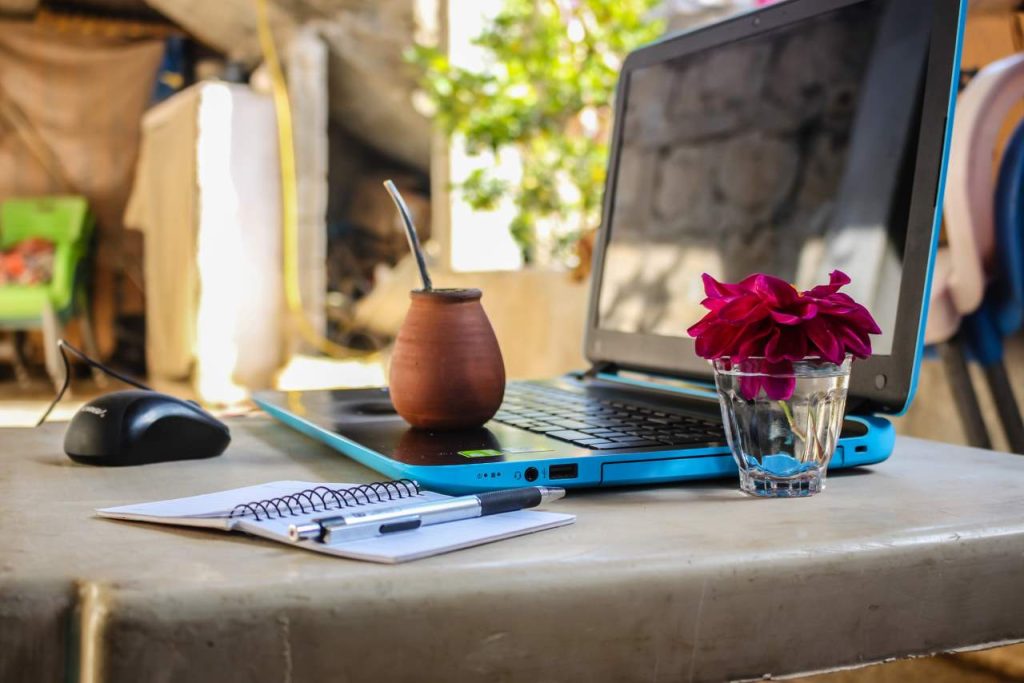 Did you set out to become a digital nomad? Are you currently pursuing this lifestyle as an alternative to working in a traditional setting? Either way, it’s essential to be aware of the risks associated with traveling while connected.
To minimize your Internet security concerns while on the road, take these three additional steps and make them a habit:
1) Ensure that all devices are updated and configured according to manufacturer or vendor recommendations. Install antivirus software on all devices and ensure their operating systems are fully up-to-date. On the go power banks can be handy for charging devices without access to reliable electricity sources; additionally a couple of portable Wi-Fi hotspots can come in handy too!
2) Scan any attachments sent in emails before opening them. If possible, refrain from clicking links included within messages since they may lead to malware – even if they seem benign at first glance. Make sure your browser settings are up-to-date and use caution when visiting suspicious domains. Stay alert for phishing scams by keeping an eye out for URLs that look unfamiliar or are displaying notifications upon visiting said webpages!
3) Establish a strategy for staying safe online. This should include password sharing and two-factor authentication where applicable. Furthermore, establish which social media platforms work best for your purposes (such as Twitter) plus utilize them appropriately while on the move. To keep abreast of popular stories as well as maintain awareness of current events – don’t forget to check back regularly!